



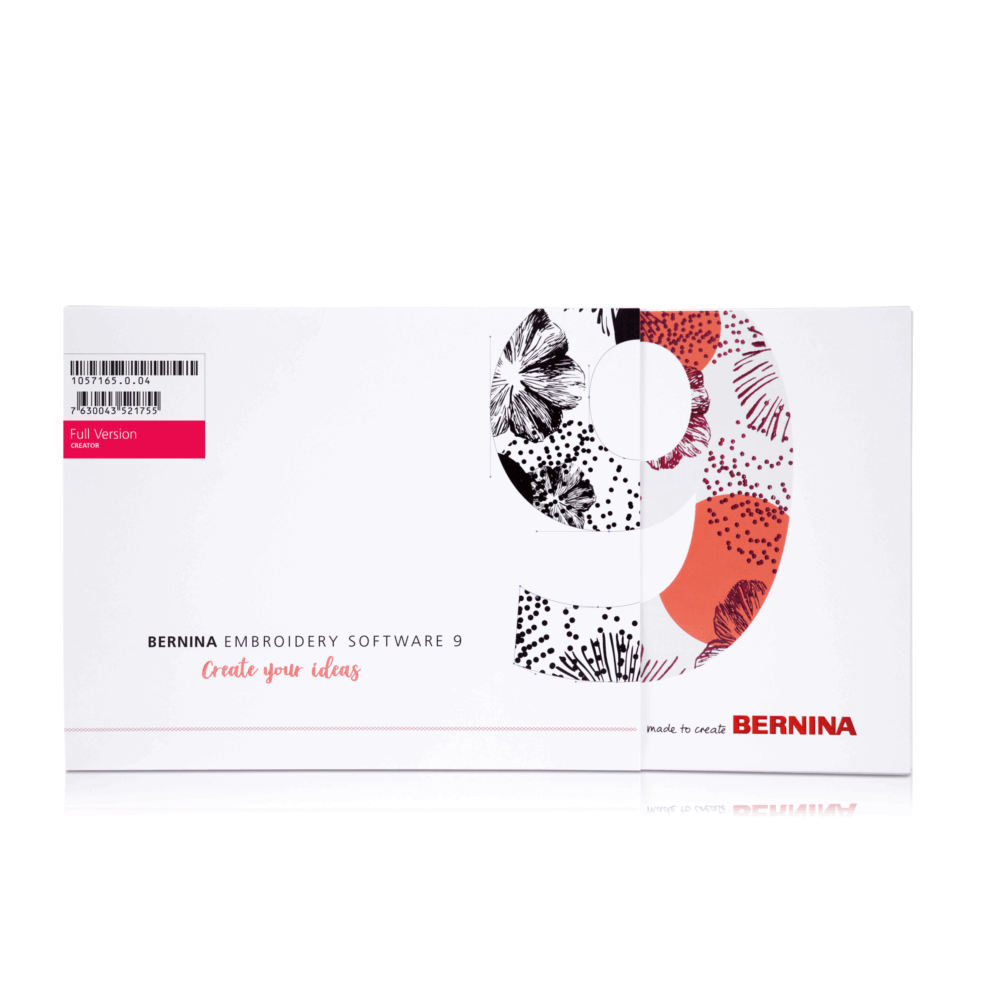
Bernina Embroidery Software 9 DesignerPlus
£1,295.00
- Free Delivery 2-3 Working Days
- Now Includes Bernina Wi-Fi Device
Why buy from us?
- Official Bernina Dealer
- Manufacturer Approved Warranty Agent
- Price Match Promise
- After Sales Care
- Fast & Free UK Mainland Delivery
Description
Bernina Embroidery Software 9 DesignerPlus
DesignerPlus
- Easy installation and WiFi functionality
- Manual and auto digitising
- Over 100 lettering & monogramming fonts
- Keyboard design collection for self-made fonts
Design your dreams with the BERNINA Embroidery Software 9
Digitise your handwriting
- And expand your lettering capability
- Type alphabet designs on screen
- Five additional Keyboard Design Collection fonts
Thanks to the new Keyboard Design Collection, you can expand your lettering capabilities limitlessly. With this versatile new feature, you can map existing alphabet designs to the keyboard, so you can type them directly on screen. No more combining designs one by one! You can even digitize your handwriting or your own alphabets from scratch! Furthermore, five additional Keyboard Design Collection fonts are included. This new feature requires the BERNINA WiFi Device, which is offered as an optional accessory.
Customise anything you want
- Alter embroidery designs limitlessly
- Special fill effects, change colours, etc.
- New branching and Weld tool
Alter an embroidery design according to your desires and without limits. The Full Editing feature offers the new Branching and the Weld tool. With the Branching tool you don’t have to think about the most efficient stitching sequence and connectors as this function does it for you. Digitisers often want to combine or weld objects into a single object which is easy with the new Weld tool.
One-of-a-kind appliqués
- With just one click
- Convert any closed shape
- Create appliqué even with holes
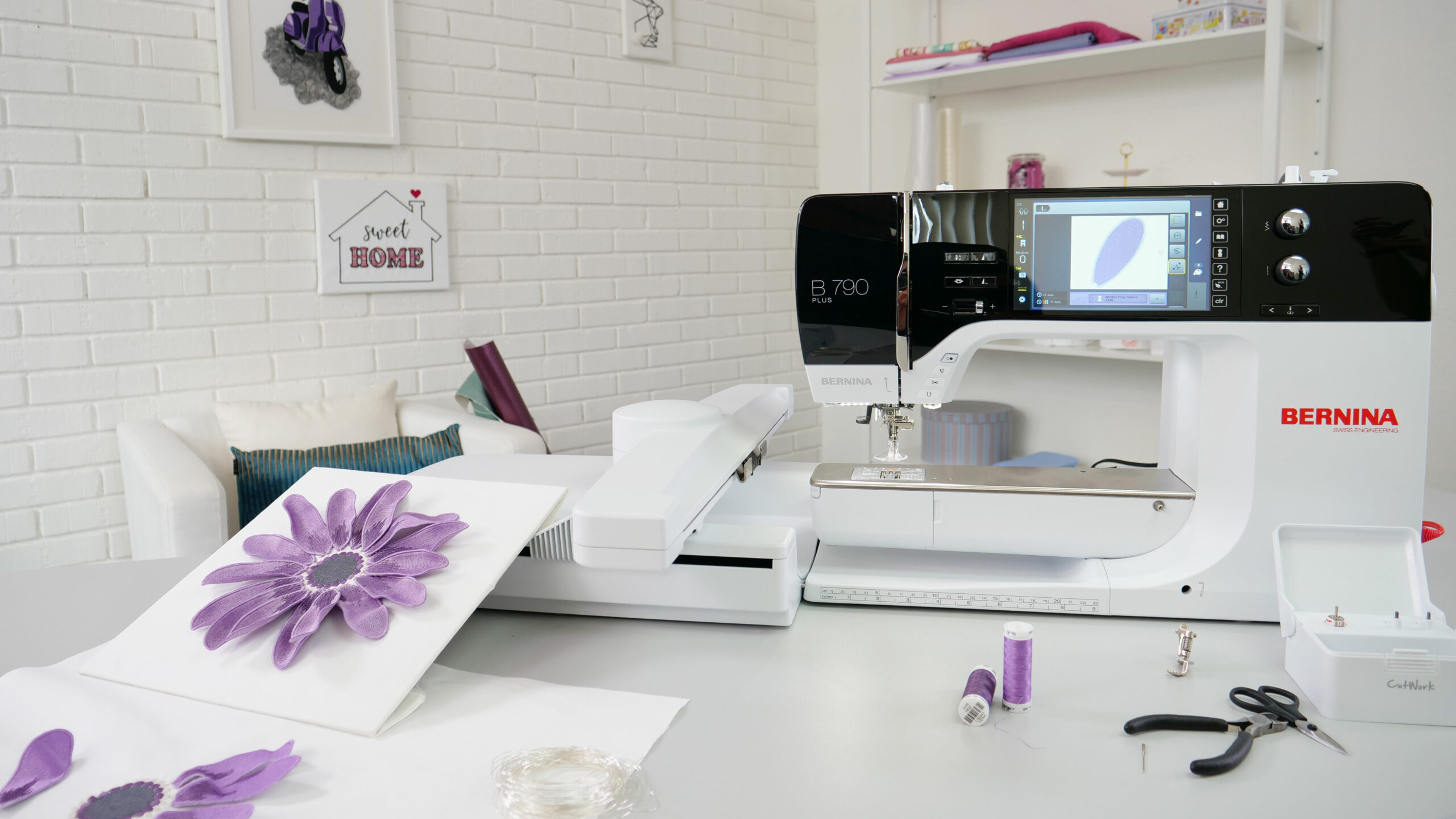
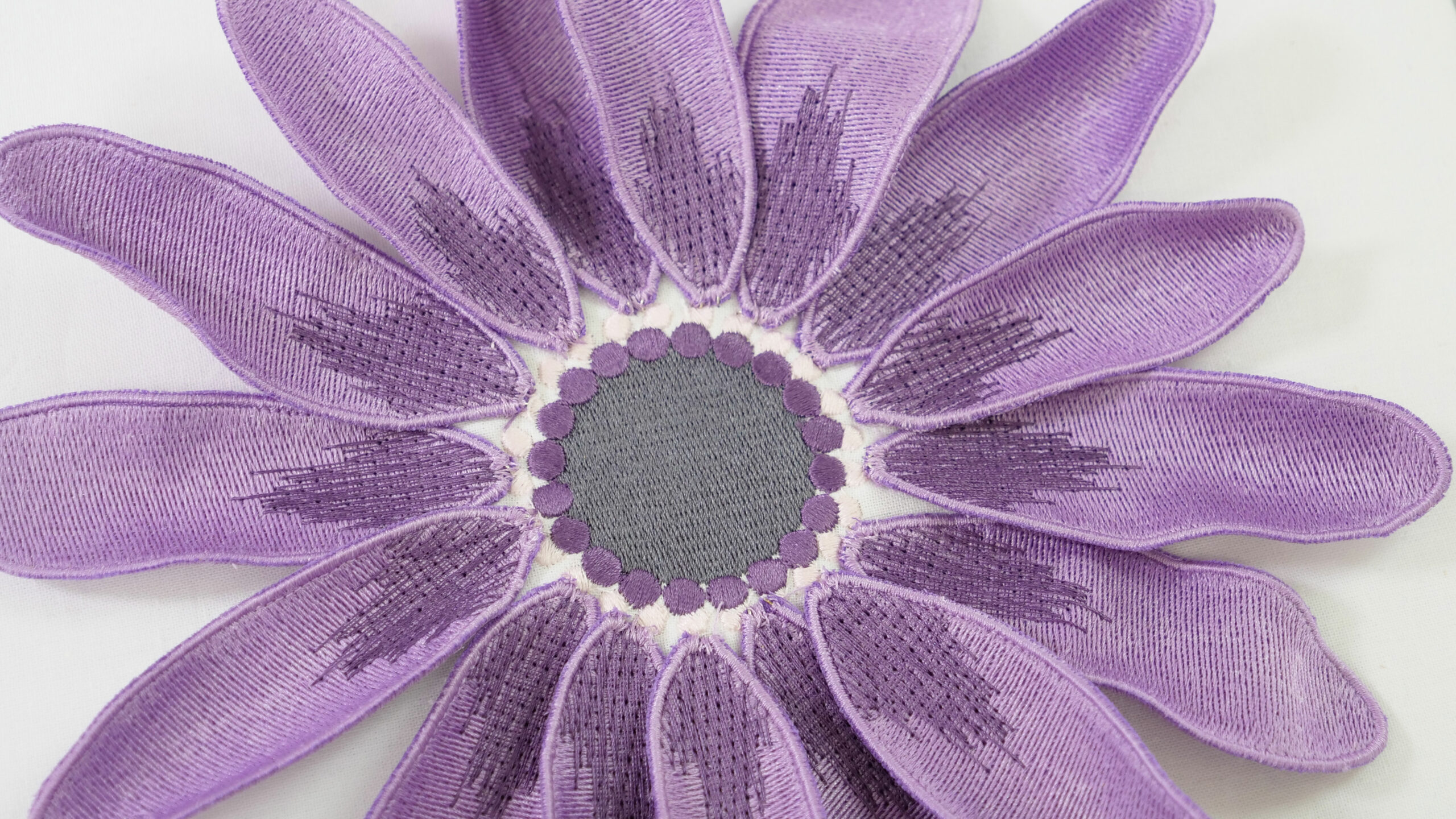
Enjoy the extended tools to create appliqué and convert any shape into an appliqué design with just one click. Even creating appliqué with holes inside is possible with ease. Want to cut the fabric with the CutWork tool or a cutting machine?
No problem as you can save an extra cutting file directly from the embroidery canvas.

Easy positioning
- Move and rotate the design
- For a perfect embroidery placement
- Advanced preview options
The positioning feature makes it easy to place designs where you want them. Just set the design worksheet and add a template to your preview, then move and rotate the design within the hoop and use the advanced print preview options. Use the hoop template and basting stitch markers for the exact positioning.

Your favourite image as embroidery design
- Updated auto-digitising
- Enhanced full digitising
- Few clicks, ready to stitch!
Take artwork and turn it into an embroidery design – all done by using the powerful, updated Auto-Digitizing and Full Digitizing tools. In just a few clicks your artwork is ready to stitch. With Full Digitising you can create your embroidery design from a sketch and digitize it manually. This allows even more flexibility right from the beginning.

Create your unique graphic designs
- With the newest version of CorelDraw
- Choose from many designs
- Afterwards send it to the WiFi connector
If you wish to start with a new graphic, simply open the newest version of the graphic program CorelDraw SE – and get your own drawings in a breeze. Many new graphics have been added that you can choose from. Once the design is open use the new features to have fun creating, editing and designing your personally made embroidery design to prepare for sending it via WiFi connection to your embroidery machine.

Choose from many built-in font designs
- Over 100 embroidery fonts
- Suggested size is already included
- Use True and Open type fonts
With the BERNINA Embroidery Software 9 you will get over 100 fonts – with some modern handwritten style fonts included. To ensure the best quality, the recommended size for each font is displayed in the dialog box. And there are even more improvements: The font preview size is now changeable from small to large and the suggested size is already included. The font selection window shows recently used fonts at the bottom for more ease of use.

Manage your designs in the design library
- Browse through various designs
- Load your designs into the library
- From library to WiFi Device/WiFi-capable machine in one click
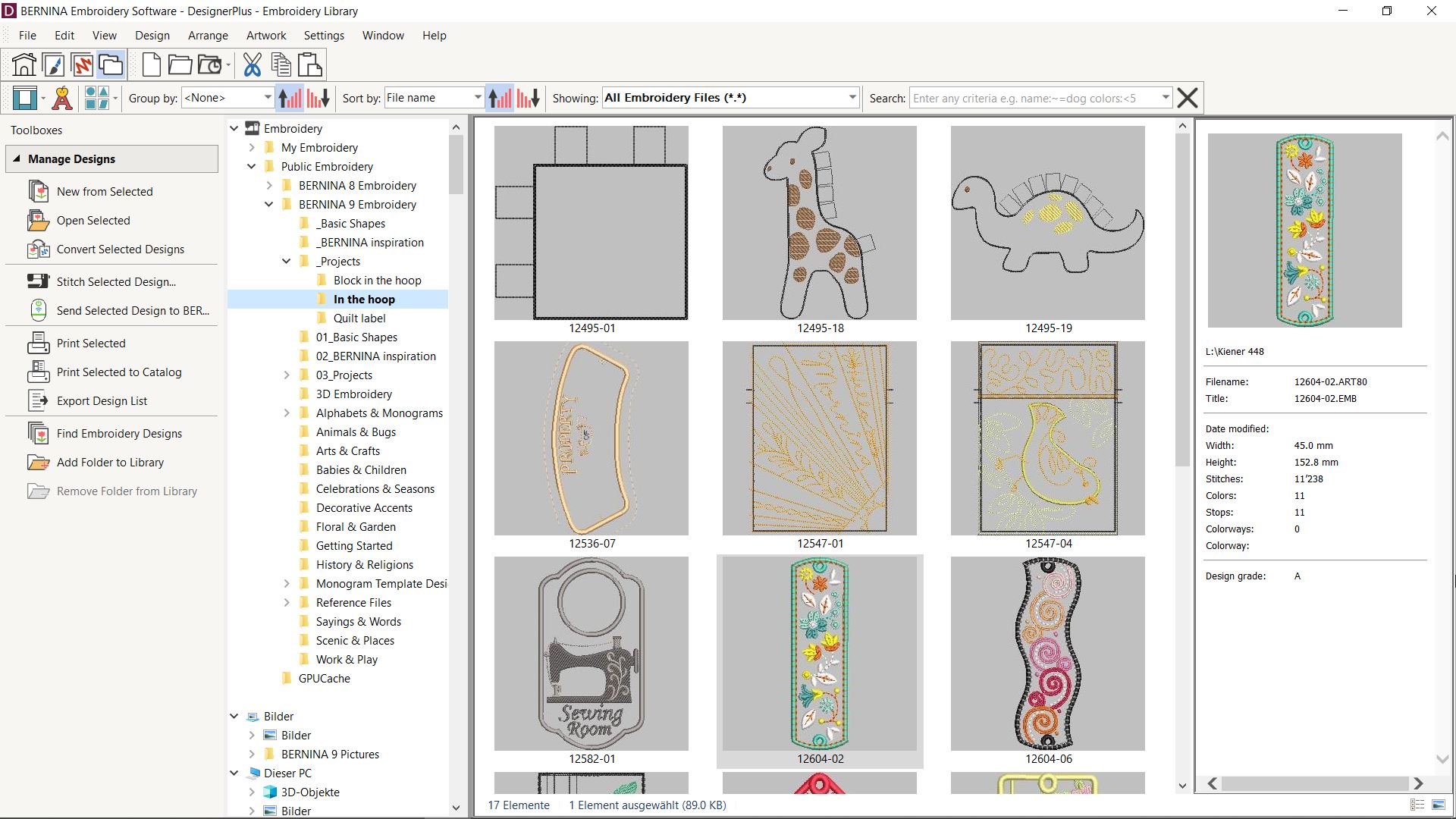
This powerful integrated design library ensures quick access to all designs and provides enhanced design management. It makes it easy to browse, group and search for designs or get inspired. From here you can also directly send your designs to the WiFi-enabled embroidery machine or to the BERNINA WiFi Device (must be purchased separately) for stitch-out.

Colour management
- Pick your colour in the Colour wheel
- Huge colour palette (56 + 3 appliqué)
- Fill objects as you wish
Palette positions are numbered for easy reference within the Colour Management system and the colour wheel features a range of colour options. It has never been easier to pick the right colour and fill objects with the help of the numerous colours within the palette (56 + 3 appliqué). The chosen colours are tagged with a blue marker.

Multi-Hooping
- For very large designs
- Cover the entire design
- Preview hooping sequences
Creating large designs is simple using the Multi-Hooping feature which automatically places more than one hoop when necessary. It places hoops to cover the entire design, fitting as many objects as possible into each hoop position. You can preview all hooping sequences and save it as a complete design or as separate multi-hooping machine files.

Embroidering on quilts
- Create echo quilting designs
- Get help with the block sizing and positioning
- Easy embroidery on quilts
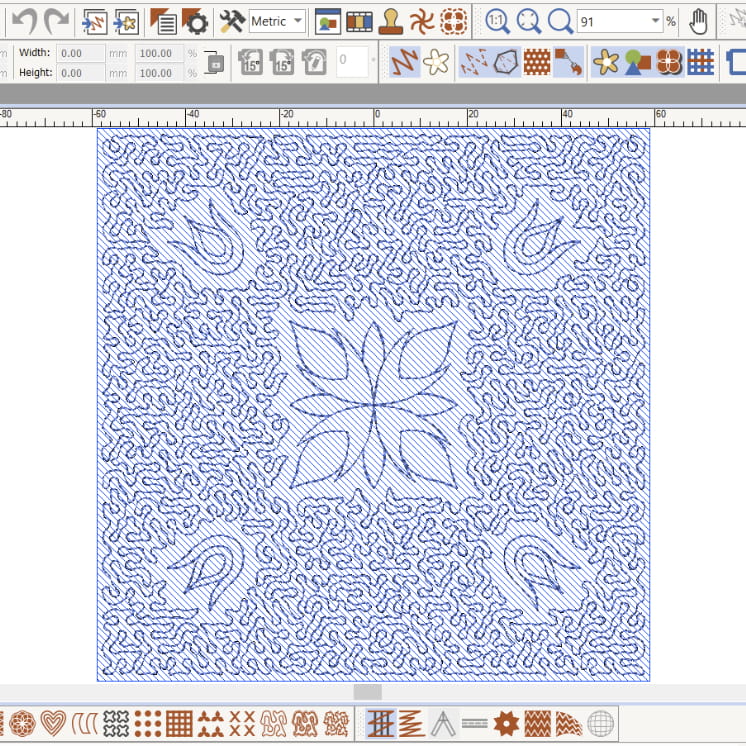
Embroidering on quilts is also easy with the Automated Quilt block layout feature. The automatic quilt background stitching is used to create “echo” quilting designs, like scroll-clipped or stipple-filled quilt blocks. The best part: you will even receive quilt block sizing and positioning aids.
3D Embroidery
- Embroider your favourite photo
- 3D effects for embroidered letters
- Enhanced CutWork function
The Colour Photo Stitch and Automatic Digitising features turn your favourite photo into a detailed embroidery design in just a few steps. With Puffy Lettering add outstanding 3D effects to embroidered letters and with the enhanced CutWork function create beautiful Eyelet Embroidery and Appliqué. The Globe Effect turns flat embroidery into a 3D design and with Couching create stunning 3D effects in combination with wool.
Clear interface and improved features
- Intuitive and easy to manage
- Small or large icons for a perfect view
- Open more than one design at a time
All the incredible software features are easy to use and navigate with the user-friendly interface. The menu is just intuitive and easy to manage. You have the choice between small or large icons for a perfect view and the tool names and functions can be displayed if desired. Open more than one design at a time and easily switch between designs.

Neat and smart home screen
- With helpful tutorials
- Direct access to the online help
- Browse through new projects
Upon opening BERNINA Embroidery Software 9 you will notice an informative and interactive home screen that offers links to tutorials, new projects and resources.

Easy Installation
- Improved installation process
- Easy and flexible!
- Use software on multiple computers
Installing BERNINA Embroidery Software 9 has never been easier or more flexible thanks to the improved installation process. In a snap, the software is installed on your computer. Plus, you can use the software on multiple computers just by signing in and out.

Bernina Embroidery Software 9 DesignerPlus
Additional information
| Overview | Keyboard Design Collection (create own fonts) |
|---|---|
| Lettering | Built-in embroidery fonts – 104 |
| View Designs | Realistic preview of designs |
| Design Optimising | Apply custom or auto fabrics |
| Artwork Canvas Designing | Artwork included – 497 |
| Digitising | Manual Digitising tools |
| Design Handling | Direct machine connection with ADX |
| Edit and Customise | Edit designs, objects and individual stitches |
| Stitch Types, Effects and 3D Techniques | Basic fills |
| General Features | Windows®10/11 (64-bit Edition), with latest Updates |


Reviews
There are no reviews yet.